




Jobs & SLAs
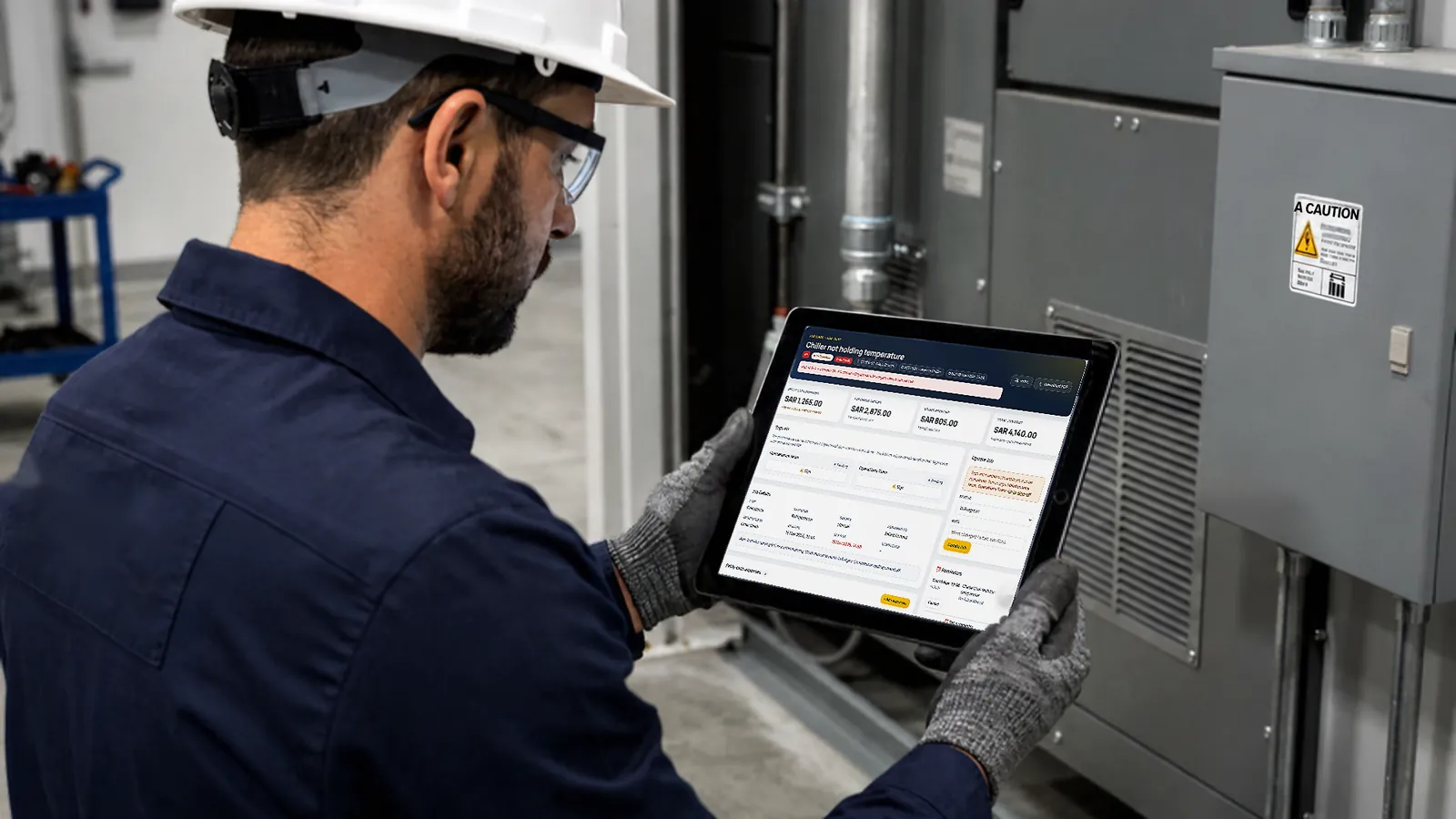
Raise, assign and track work orders end to end, with push and email alerts and reminders. Every step, note, photo and signature lands in the job's tracking history.
Maintenance software for multi-branch businesses
Branch staff scan the QR sticker on the machine and tap what's wrong. BranchWorks opens the job, sends it to the technician for that branch and trade, and starts the SLA clock. You see every branch, asset and cost in one place.
Try the demo without signing up, or start a free 7-day trial with your own company — no card needed.
Trusted by
How BranchWorks works
Eight moments, from a fault at one branch to full control across all of them.
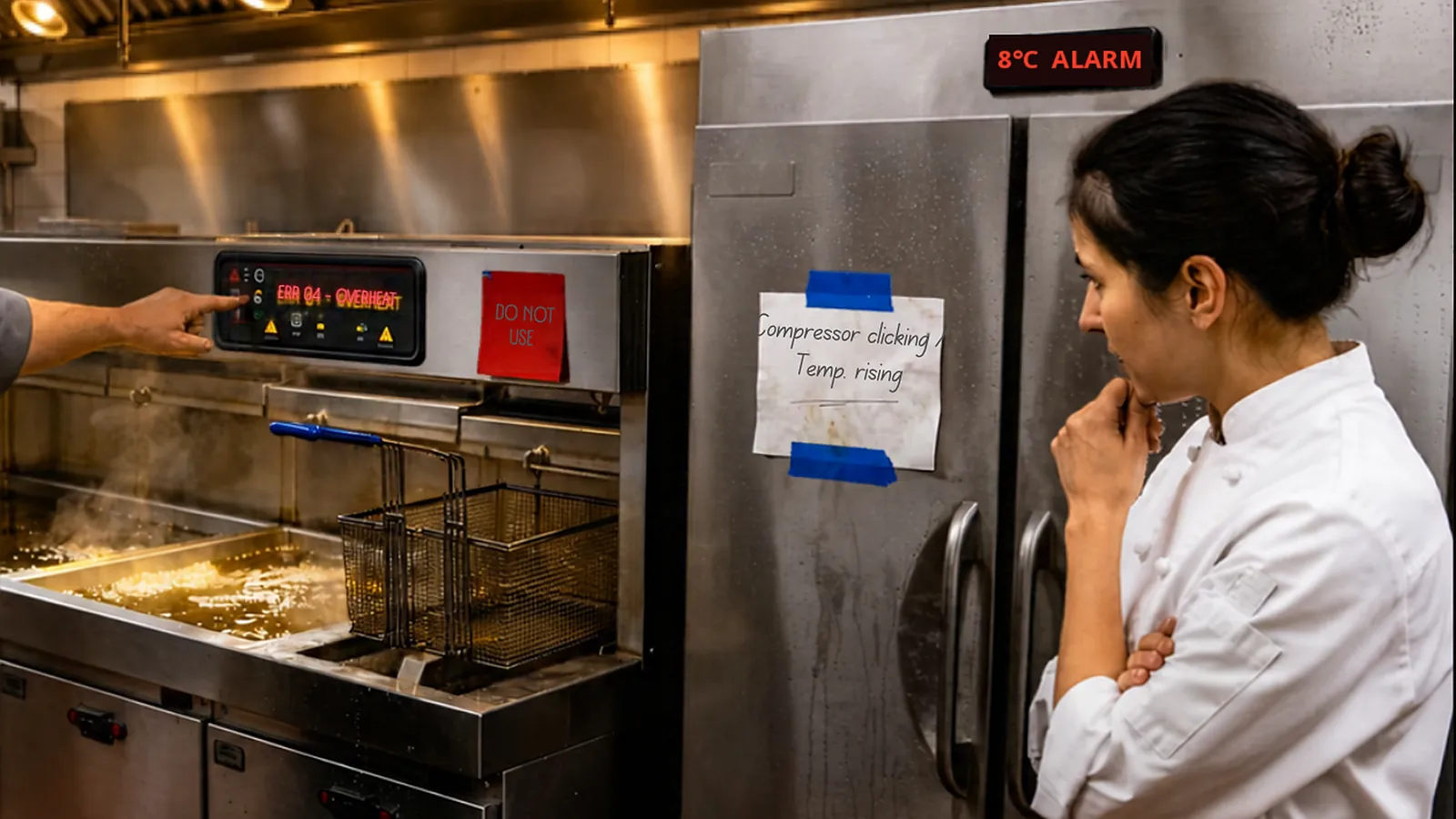
A fryer stops heating at lunchtime. A chiller drifts warm overnight.
Faults are caught the moment staff notice them.
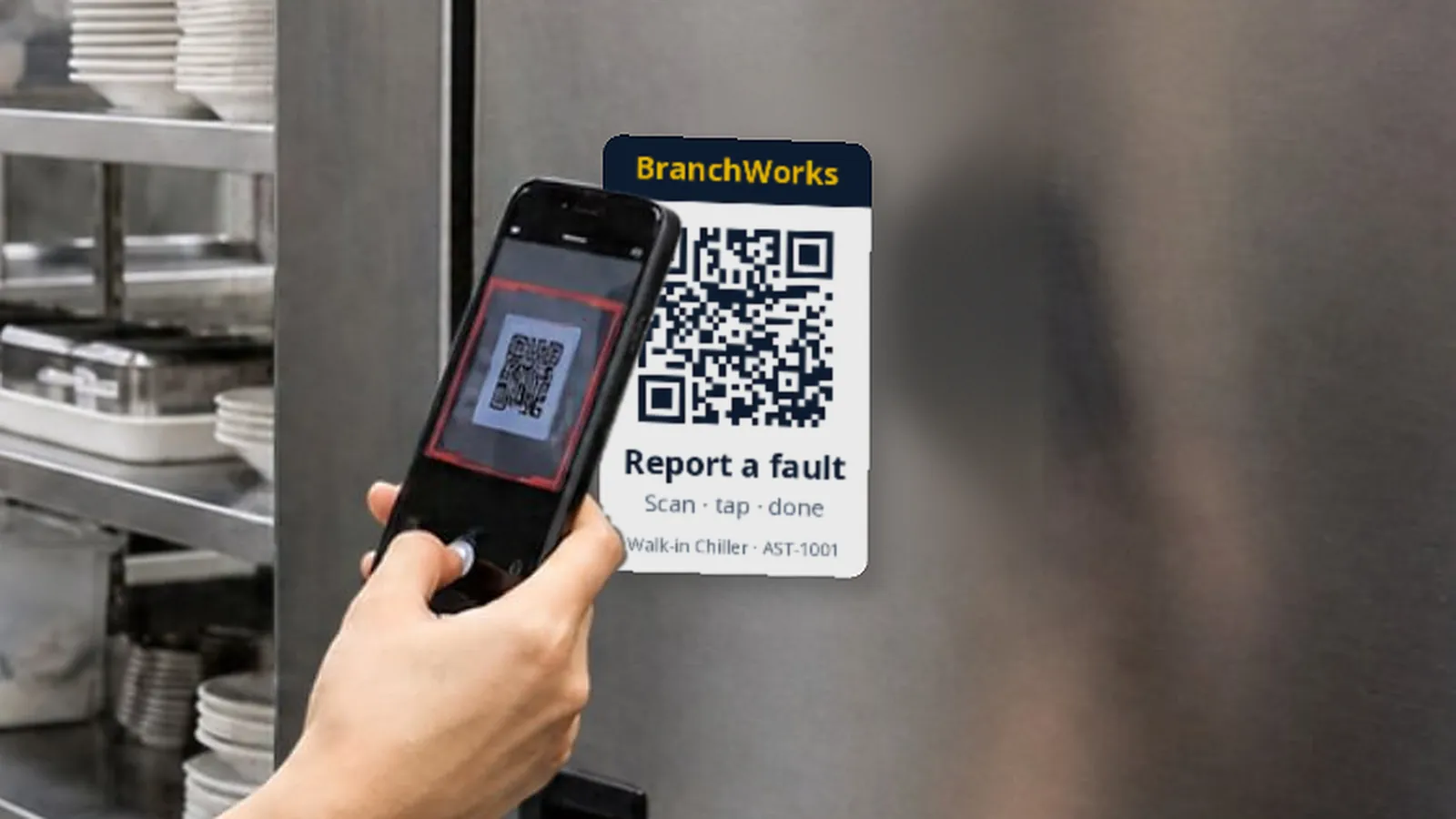
Every asset carries a QR sticker. Scan, tap what's wrong, add a photo. No app, no login.
Two taps. No phone calls, no WhatsApp.
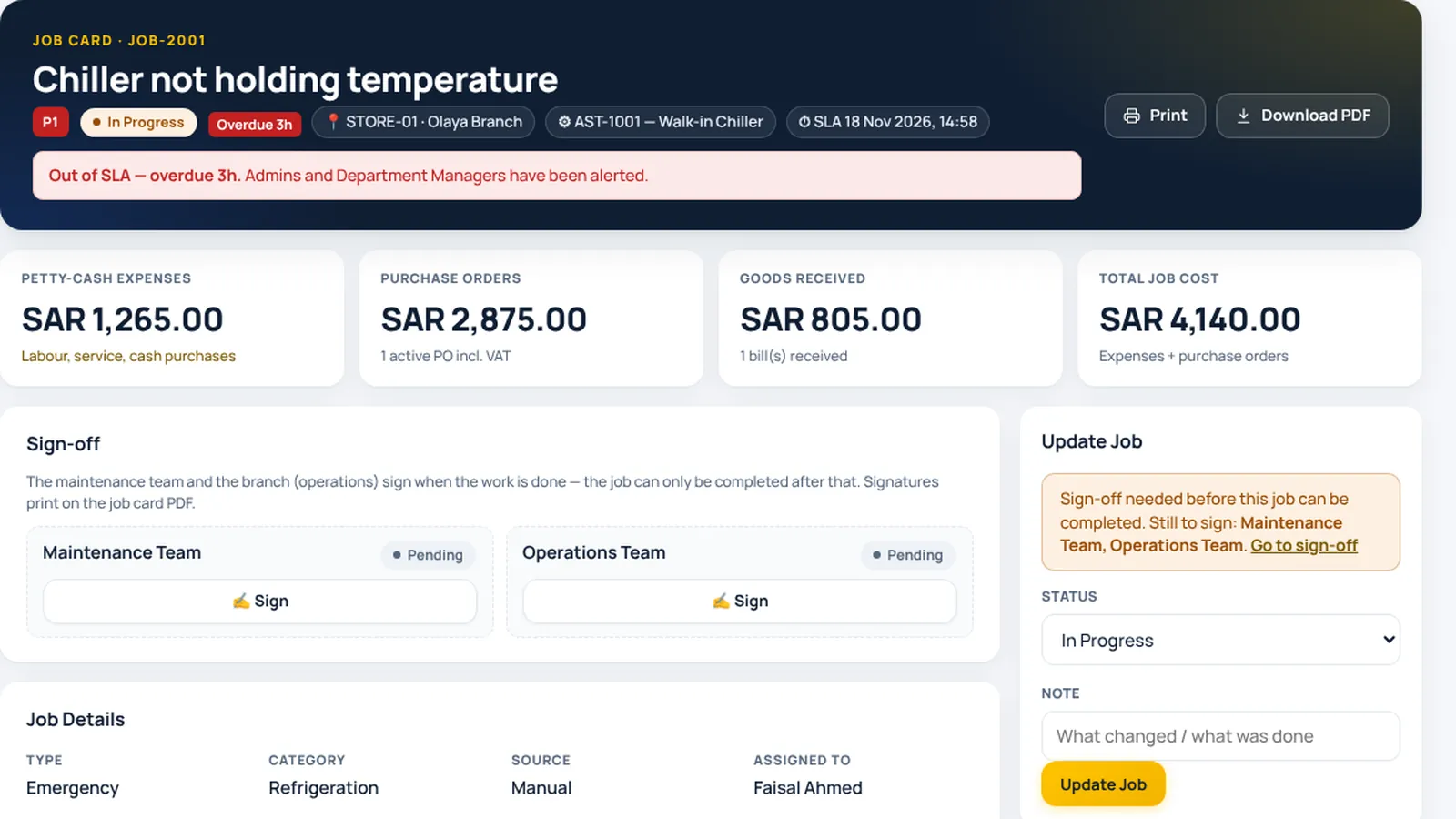
Branch, asset, priority and photo are filled in. Nothing is typed twice.
Every fault becomes a tracked job.
Assigned automatically by branch and trade, on their phone or tablet.
No one has to chase or forward it.
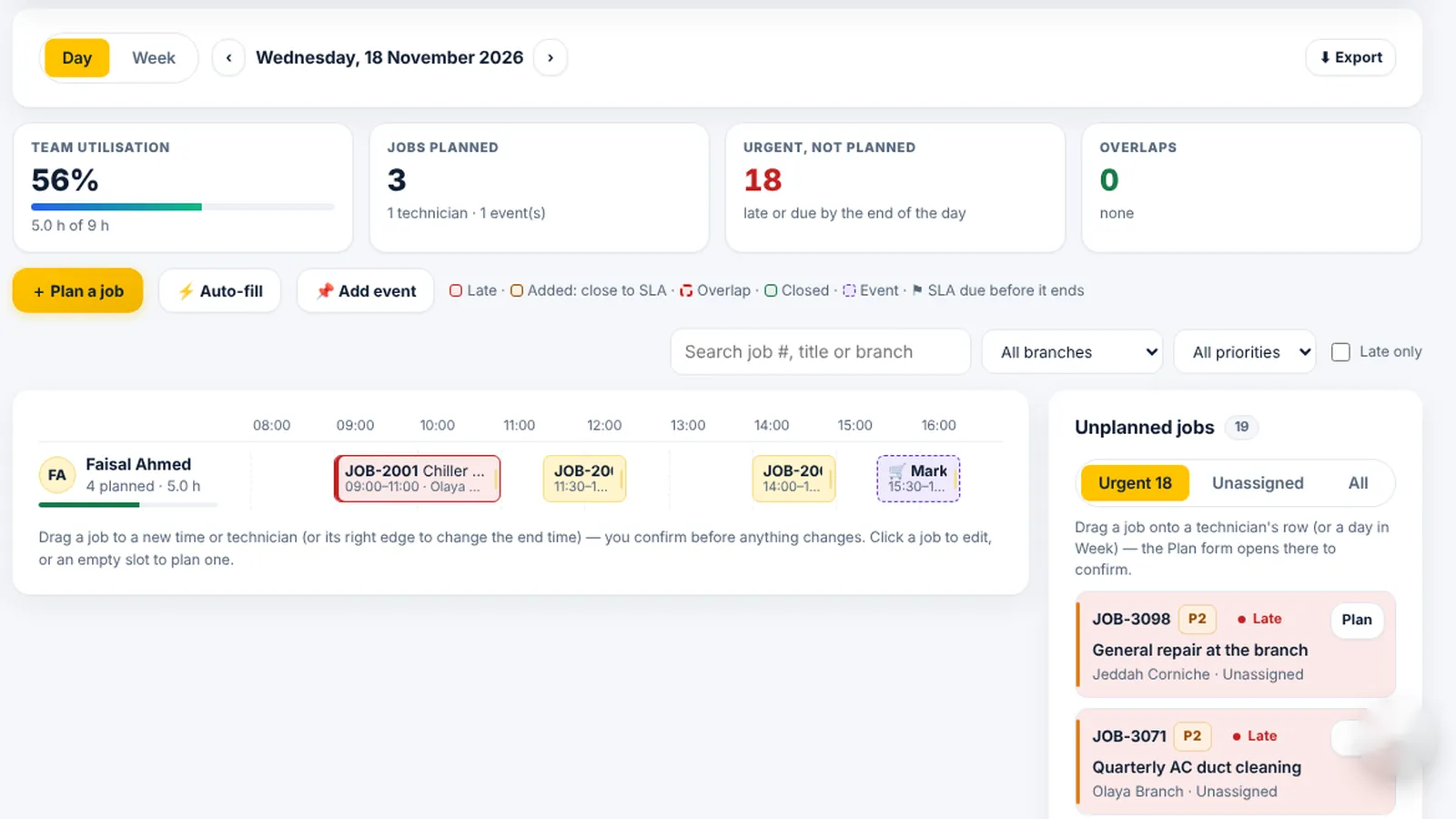
A P1 gets four hours. Warnings at 75% and 90%; overdue jobs escalate to managers.
Urgent work is never forgotten.
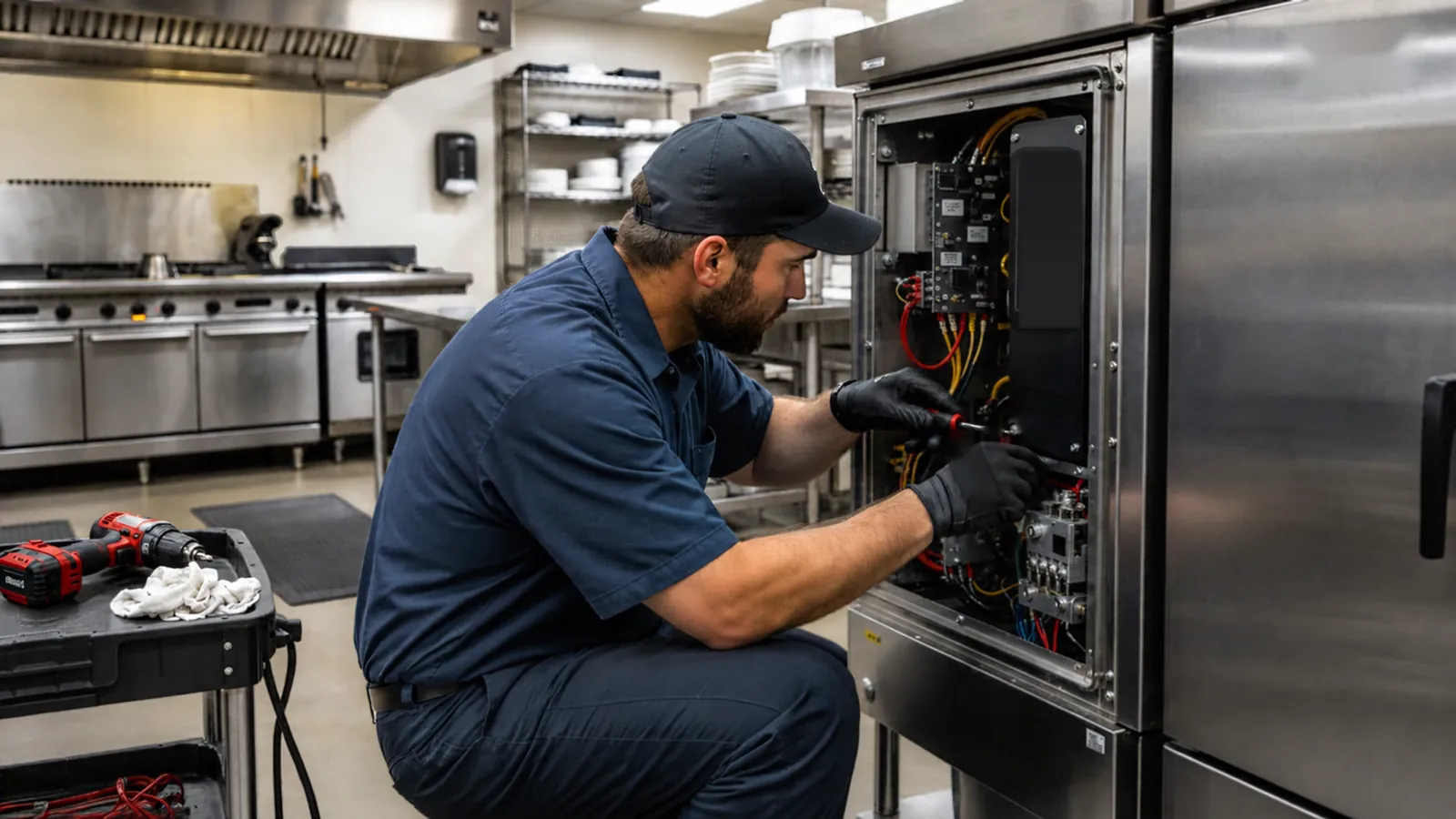
Notes, photos, parts and both signatures. The cost lands on the asset's history.
Proof of every repair, and its real cost.
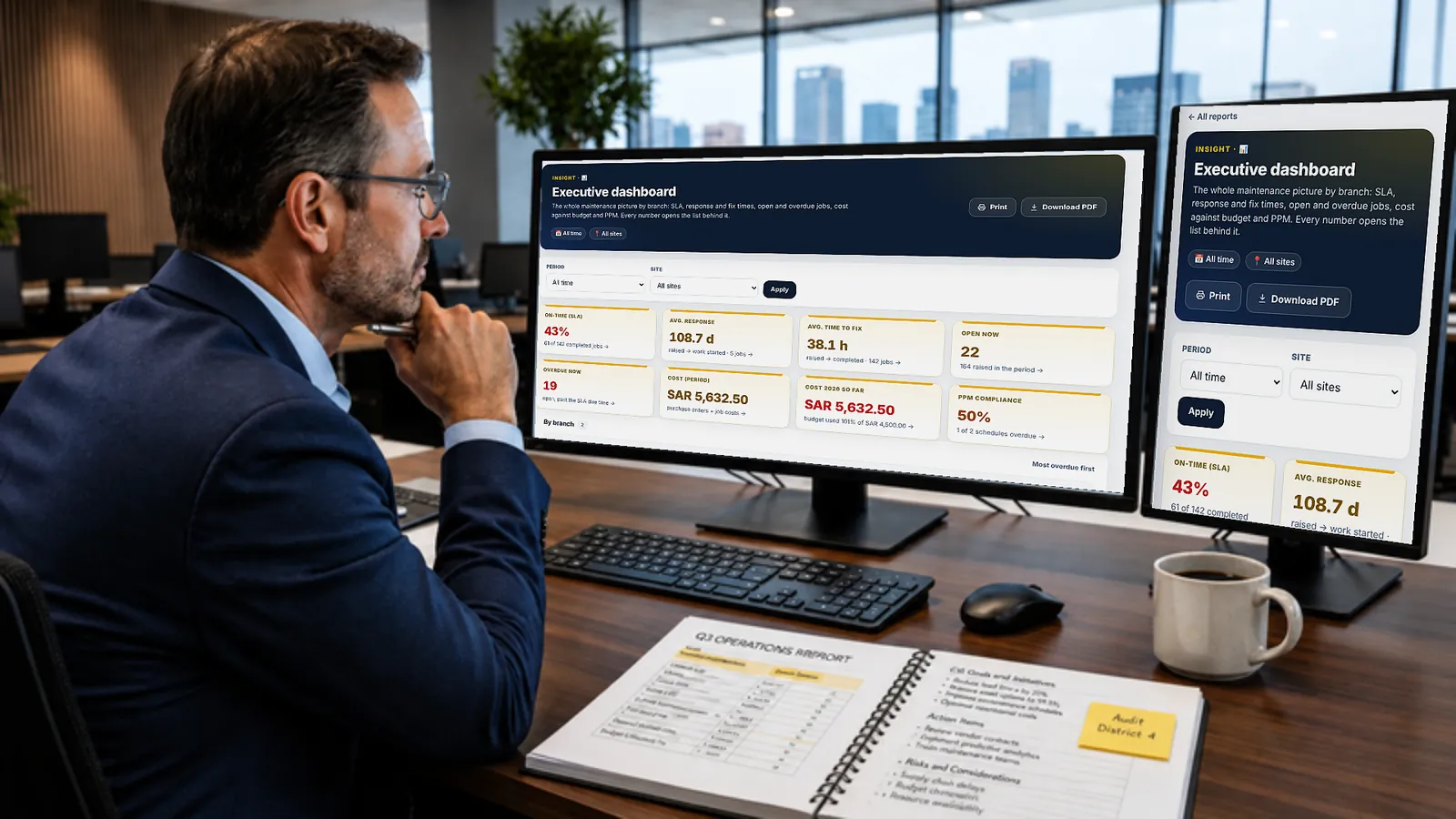
Late jobs, spend per branch and per machine — on the phone or the desk.
Decisions from numbers, not phone calls.
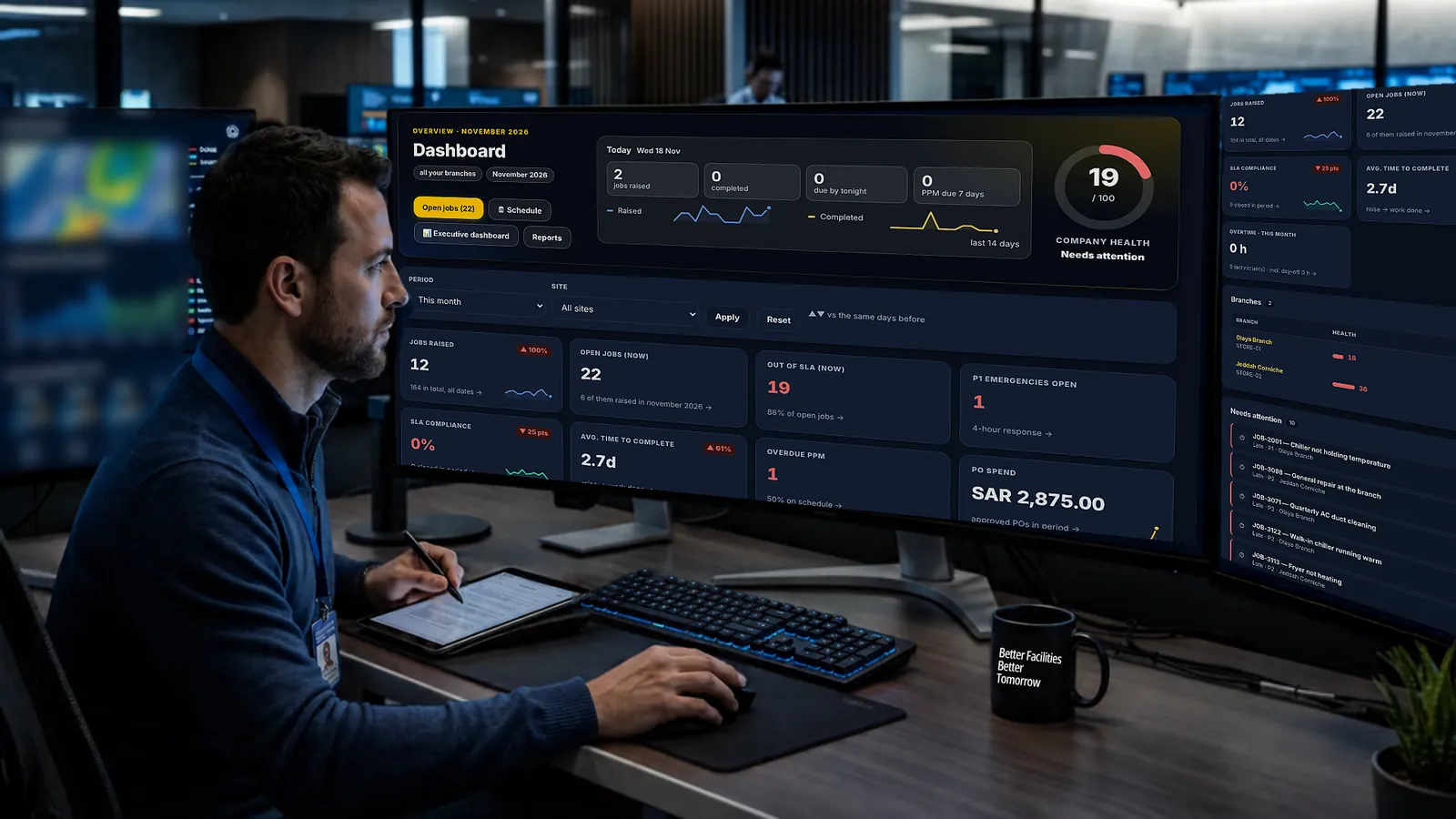
Health score per branch, early warnings, planned maintenance and a monthly report.
Complete control across every site.
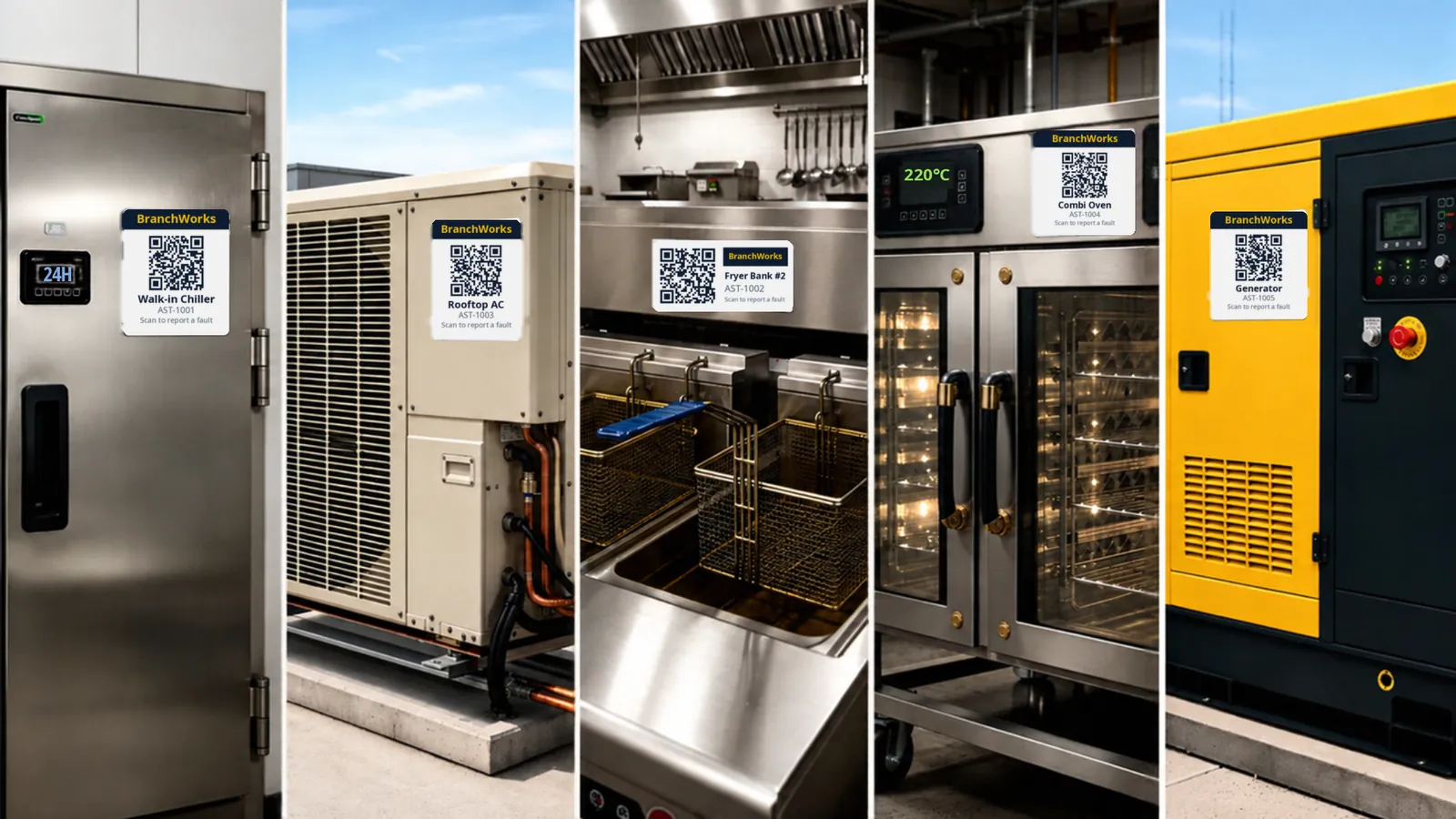
Chillers, AC units, fryers, ovens, generators — each one with its own QR code, history and cost.
Results
Measured from the app's own records — see Reports → Results since go-live.
Raise, assign and track work orders end to end, with push and email alerts and reminders. Every step, note, photo and signature lands in the job's tracking history.
Plan each technician's day and week on one board. Drag a job to a new time or person and confirm before anything changes; planned work fills free slots and skips days off.
Service schedules that raise their own jobs on time, with checklists and a calendar. One AMC contract can create the visits for every branch and send them to the contractor.
A register for every chiller, fryer and AC unit, with warranty, documents, transfers between branches and full cost of ownership.
Every branch, technician, asset and PPM plan has its own page with a health score, late jobs, SLA met and cost — and the company-wide view on top.
Spots repeat failures, repairs that cost more than replacing, and equipment past its expected life — before the next breakdown.
Maintenance and the branch sign every finished job. If the branch doesn't sign in time, the job closes itself — you set the hours.
Requisition → purchase order → goods received → invoice, with approval limits per person, budgets per branch and disputes with credit notes.
Contractors log in and see only the jobs given to their company. Contracts (AMC / FM) carry renewal alerts, signatures and visits done against visits agreed.
Forms logbook, certificates with expiry tracking, sealed digital signatures and an audit log that can't be edited.
Response and fix times, first-time fix rate, cost per branch and asset, a monthly report by email — exportable to Excel and PDF with branch names.
One search box for jobs, assets, branches, purchase orders and people — press Ctrl K from any screen.
Built for multi-site operations
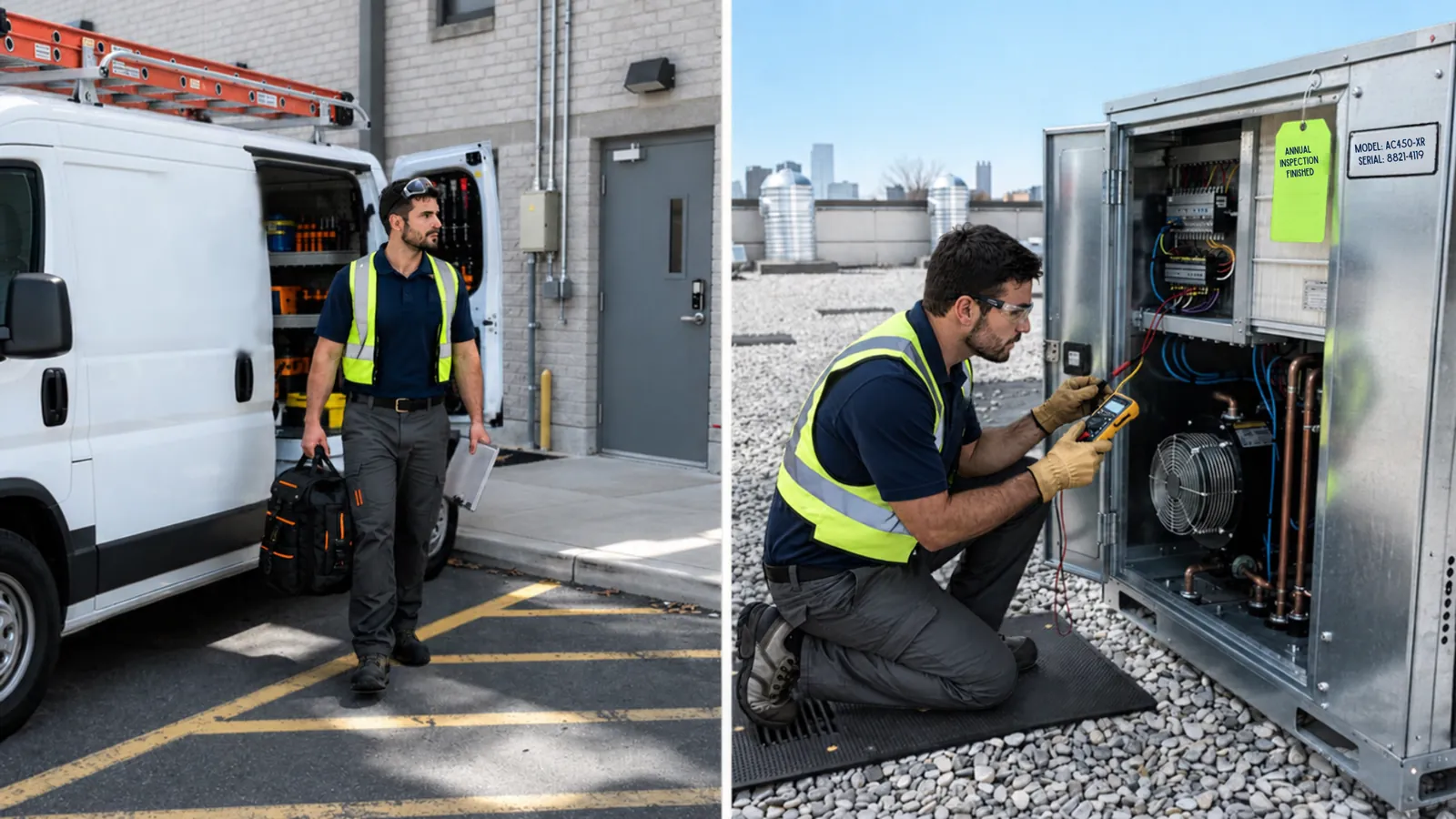
Your own technicians and your contractors work in the same system: they arrive, fix, sign and close — and you see it happen.
See it working
Open jobs, late jobs, planned maintenance and spend update the moment a technician taps Complete — on the office screen and on the phone.
Open, late and emergency jobs at a glance, with one tap to the list behind each number.
Jobs raised against jobs completed, month by month, so a growing backlog shows up early.
See which branch and which machine costs most to keep running.
Each branch gets one number from its SLA, late jobs and overdue maintenance, so you know where to look first.
Service levels
Set your own response and fix times for each priority, from emergencies to planned work. Everyone sees how much time is left, and the clock pauses while a job is on hold with a reason.
Two-level escalation: the branch's managers first, then maintenance management.
Proven in Pakistan
Every screen in both languages, right-to-left done properly. Each person picks their own.
Totals and VAT on every purchase order and invoice, ready for your accountant.
Registration and tax numbers, addresses, and AMC / FM contracts, all in one place.
Technicians work from their phone: My Day, photos, signatures and push alerts. Install it like an app in one tap.
Training & support
No classroom and no thick manual. Everyone gets short guides for their own job, in Arabic or English, right inside the app.
Technicians, branch managers, maintenance managers and contractors each get click-by-click steps that match the buttons on their screen.
The first sign-in shows four short screens for that person's role. They can replay it any time from Help.
One printable A4 page in Arabic and English teaches branch staff to report a fault by scanning the sticker.
A demo company with sample branches and jobs, rebuilt every night, so new staff can try everything before touching real work.
Priced by the number of branches, with users included. Every plan starts with a 7-day free trial.
For small chains getting organised
For growing multi-branch teams
For large chains and groups
Prices depend on your number of branches — book a demo and we'll send you a quote.
They scan the QR sticker on the machine, tap what's wrong and press send. No app or login is needed — only the branch PIN the first time.
No. BranchWorks runs in the browser on any phone or computer. Technicians can add it to their home screen so it opens like an app.
Branch staff only need the one-page poster. Technicians and managers get short guides for their own role and a welcome tour inside the app, and can practise in the demo company first.
Yes. Import branches, assets, users, past jobs and goods-received records from Excel. Every row is checked and shown to you before anything is saved.
Yes. Each contractor gets a login that only shows the jobs assigned to their company — never your costs, other branches or settings.
Fully. Each person chooses Arabic or English, and the scan-to-report page follows the phone's language.
Yes. Every new company gets 7 days free with all Professional features, so you can try it with your own branches.
Plans are priced by the number of branches. Book a demo and we'll send you a quote for your size.
Only people in your company, and only the branches and screens their role allows. Every change is recorded in an audit log that can't be edited.
See your own branches, assets and contractors in BranchWorks in a 30-minute walkthrough — or open the demo company right now.
Book a demo
Leave your details and we'll get back to you within one working day to arrange a 30-minute walkthrough.